quarantine — documentation
← back to the README · package on PyPI · latest releases
quarantine keeps a loop running when one item goes bad: the failure is written
to a folder — input, traceback, metadata — and you deal with it later.
| Page | Read it when |
|---|---|
| Installation | Installing, verifying, choosing where the folder lives, upgrading. |
| Usage guide | You want the full picture: options, async, threads, retrying, alerting, recipes. |
| Practical examples | You want to see real-world scenarios and what gets created behind the scenes. |
| Framework recipes | You are wiring quarantine into pandas, a scraper, Airflow, or FastAPI. |
| CLI reference | You are at a terminal with a folder full of failures. |
| API reference | You are writing code against it. |
| On-disk format | You want to read, ship or process .quarantine/ yourself. |
| Remote storage | Your workers are ephemeral and the quarantine should live in S3. |
| Observability | You want failures on a dashboard: Prometheus, Datadog, Sentry, logging. |
| Benchmarks | You want to know what the decorator costs before putting it in a hot loop. |
| Troubleshooting | Something surprised you. |
| FAQ | The "is this just a dead-letter queue?" questions. |
| Decision records | Why the design is the way it is — atomicity, formats, dependencies. |
The shortest possible tour
pip install quarantine-py
from quarantine import quarantine


@quarantine
def process(row):
    save(row["id"], float(row["price"]))


for row in rows:
    process(row)
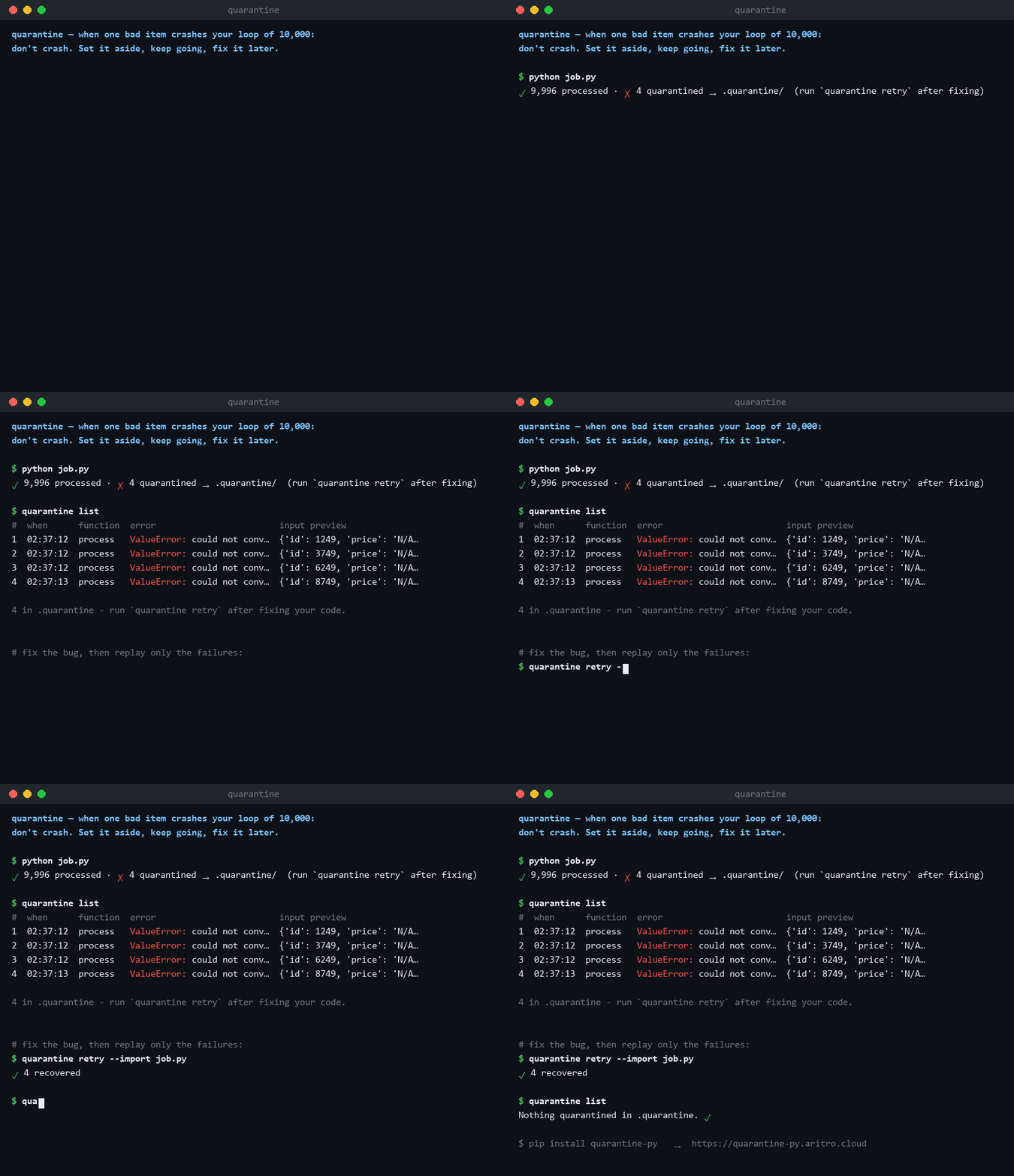
✓ 9,996 processed · ✗ 4 quarantined → .quarantine/ (run `quarantine retry` after fixing)
quarantine list         # what broke, and on what input
quarantine debug 2      # a debugger, on the frame that raised
# ... fix your code ...
quarantine retry        # re-run only the failures
The five ideas worth knowing
- A failure is a file, not a log line. Every record is a folder holding the exact input, the full traceback and metadata — enough to reproduce the bug without reproducing the run. See the on-disk format.
- Nothing is lost, ever. Writes are atomic, the disk cap raises instead of dropping, and quarantine's own errors are never swallowed.
- Reruns are cheap. Known-bad inputs are skipped, so "just run it again" neither duplicates records nor spams your logs.
- A streak of failures is a different problem. Fifty in a row is not bad data, it is a dead database — so the run halts instead of quarantining everything. See the circuit breaker.
- Secrets are scrubbed before the write, not after. See redacting secrets.